


Worried about your phone getting hacked while you're on the go? Think of keeping your devices safe like packing your favorite travel essentials before a big trip.
Before you set off, update your phone and set a strong passcode, it’s just like locking up your best bag. Use fingerprint scans that work like a personal key, giving you extra peace of mind.
And there are handy extras too. Tools like remote tracking and antivirus software act like a trusty friend who keeps an eye on your stuff. I once heard a seasoned traveler say these features are like having a sidekick on alert for you.
In this guide, we'll share simple, clever steps to help you guard your tech as you explore the world.
Secure Your Devices Before Departure
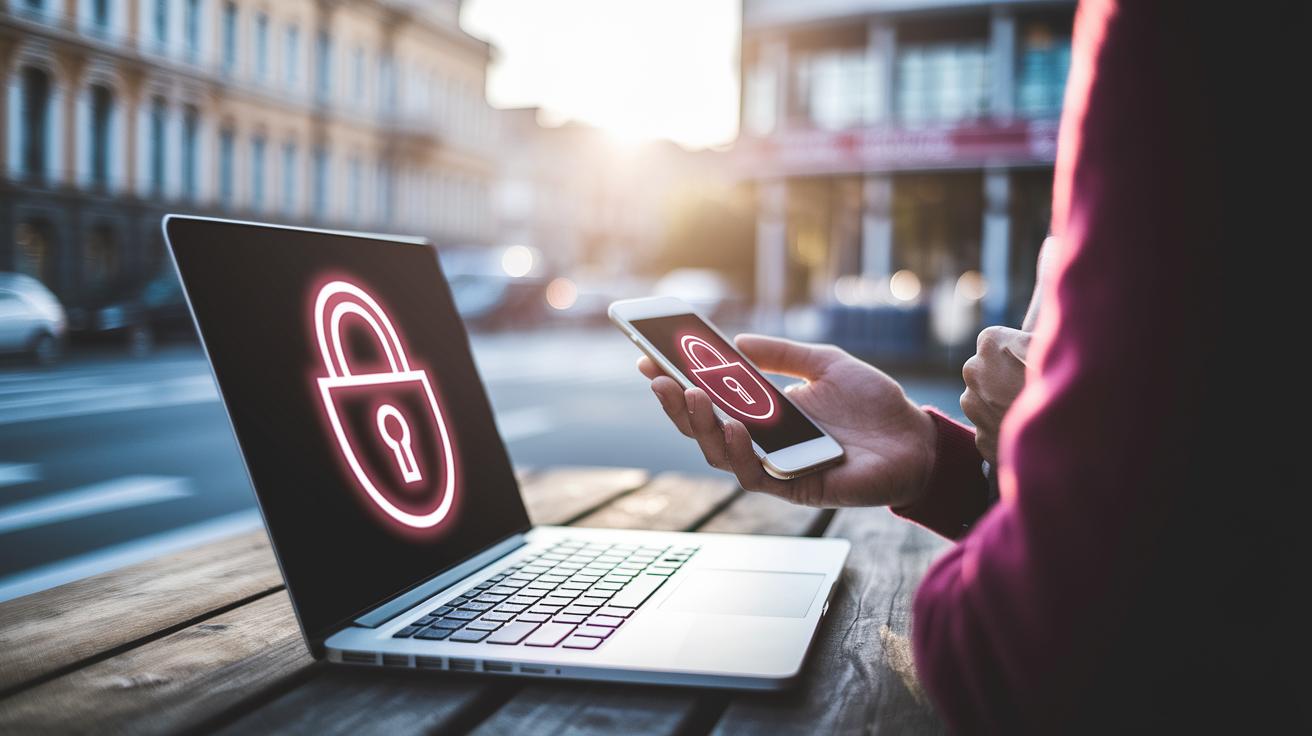
Think of your devices as essential travel gear, you wouldn’t set off without your best outfit. Start by updating your operating system and apps so they're always protected with the latest security fixes. Set them to update automatically. It’s like having an on-the-go mechanic who smooths out any tech hiccups before they slow you down.
Next, lock your gadgets down with strong passcodes and set up fingerprint or Face ID checks. Consider these like sturdy locks on your favorite travel bag. And just as you wouldn’t leave home without a trusted friend, install antivirus software to keep malware and hackers at bay.
Then, turn on handy features like Find My Device on Apple or Android. This little tool acts like your personal guide, ready to locate or remotely wipe your device if it ever goes missing. I once heard a friend say remote wipe was a lifesaver when he misplaced his tablet in a bustling airport terminal.
Finally, back up your data to an encrypted cloud storage or an external drive and note your device’s serial numbers for easy reference. This extra step is like preparing your travel itinerary, it ensures every detail is safe, so you can focus on the journey ahead.
Secure Your Devices from Physical Theft and Damage
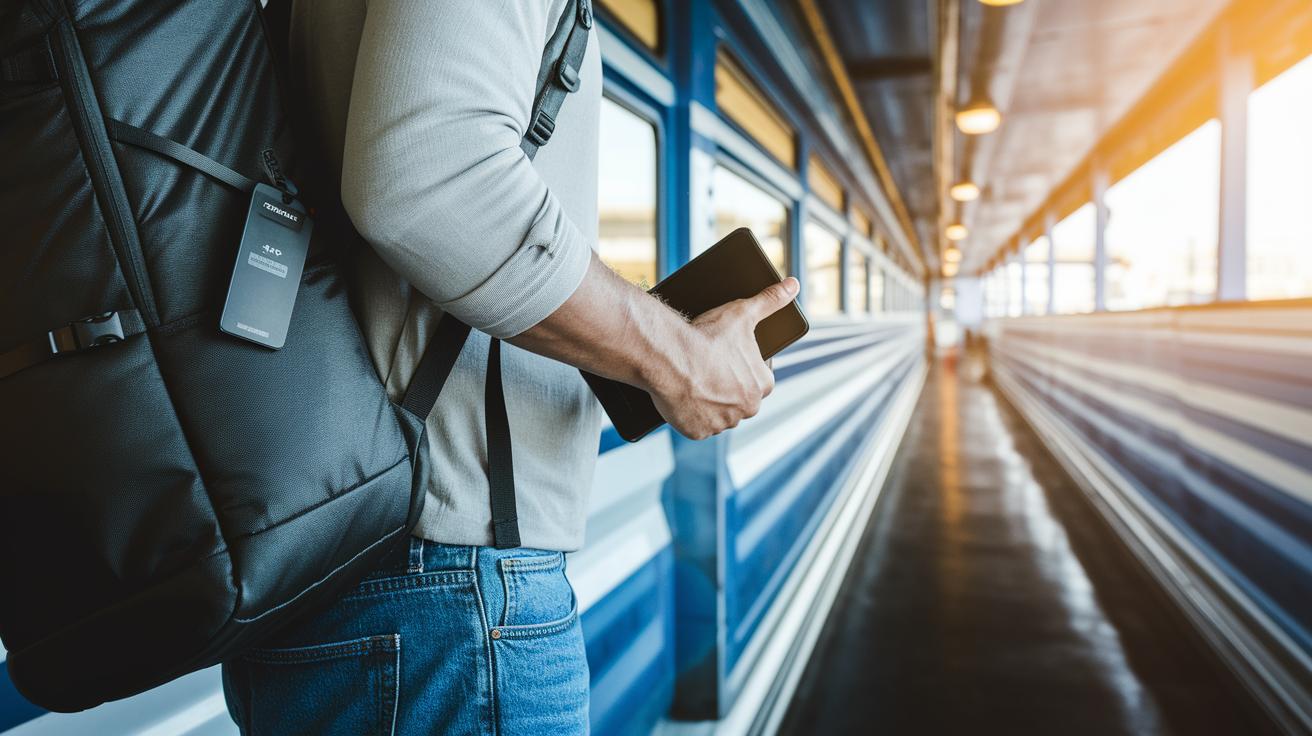
Pack your gadgets just like you pack your travel must-haves. Choose sturdy cases that cushion against bumps and keep prying hands at bay. Think of an anti-theft backpack with hidden zippers and cut-resistant fabric, as if you’re carrying a mini safe on your back. One traveler told me, “I use a backpack designed with secure compartments for my laptop, and it really eases my mind during commutes.”
Always keep your devices close instead of stashing them in checked bags. Use laptop or tablet locks to secure your tech when you need to set it down. And why not pair it with an RFID-blocking wallet to fend off digital pickpockets? If you need more ideas, check out some handy guides like trip packing hacks for secure compartments and smart packing tricks.
For your smaller items, consider using hotel safes or portable lockboxes, the extra security can really pay off. It also helps to jot down each device’s make, model, and serial number. This little record can be a lifesaver if you ever need help from the police or your insurer. And don’t forget to enable remote wipe features so you can quickly erase your data if things go wrong.
Secure Your Devices on Public Wi-Fi with a VPN

When you're out and about, public Wi-Fi might seem like a handy, free service, but it can leave your personal data wide open. It helps to stop your device from automatically joining any network and even turn off Bluetooth to avoid sneaky connections.
Before you connect at your hotel, café, or airport, set up a reliable VPN. This acts like a digital shield that scrambles your data, so even if someone intercepts it, they won’t be able to read a thing. One traveler put it nicely, saying it felt like having a personal digital bodyguard.
Always take a moment to double-check the network's name (the SSID) before you connect. Ask the staff to confirm the correct network, just like you’d verify details before buying a plane ticket. For example, if you see a Wi-Fi called “LocalCafé123,” make sure it’s the real deal to dodge any impostors.
If your device supports it, consider an eSIM option that offers encrypted mobile data in over 160 destinations. It’s a smart way to keep your connection secure while you’re on the move.
Quick tips:
- Turn off auto-connect features
- Confirm the network's SSID with staff
- Always use a VPN to secure your connection
Learn more about safe browsing with digital travel safety tips.
Secure Your Devices with Strong Authentication and Password Management

Boost your device security by getting hands-on with your passwords and login settings. Start by using a password manager to whip up strong, one-of-a-kind passwords for all your accounts, kind of like packing your travel bag with just what you really need. For example, swap out something basic like "password123" for a unique phrase such as BlueSky#27Mountain.
Next, enable two-factor authentication on your devices and crucial accounts. This extra step is like adding another lock to your front door. Imagine getting a quick text with a code before you can log in, it feels personal, like only you have the extra key.
Don’t stick with default or repetitive passwords. If you have outdated credentials hanging around, ditch them, just like you’d throw out old, expired tickets. And remember to safeguard your security keys too. Think of hardware authentication tokens as your backup, like carrying a spare charger when you’re on the go.
Quick tips:
| Tip | Why It Matters |
|---|---|
| Trusted Password Manager | Keeps all your unique passwords safe and ready |
| Two-Factor Authentication | Adds an extra layer of protection, like a second lock |
| Regular Password Updates | Ensures outdated credentials don’t leave you vulnerable |
By sticking to these tips, you’ll keep unwanted logins at bay and enjoy the peace of mind that comes with knowing your digital world is secure, even when you’re out exploring the world.
Secure Your Devices with Regular Monitoring and Rapid Recovery
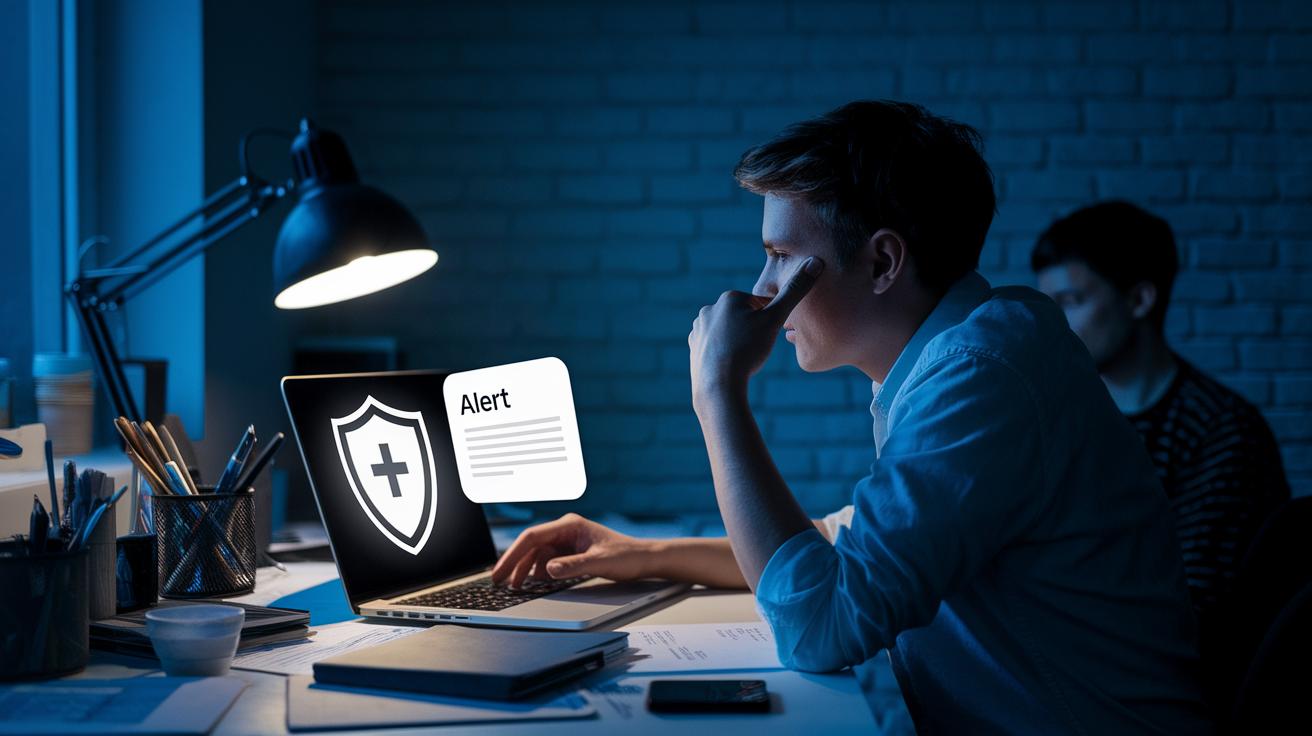
After you’ve set everything up, stay sharp. Keep an eye on your device by watching for unusual activity like strange IP addresses, odd login attempts, or check-ins from unfamiliar locations. Imagine getting a notification about a login from a place you've never been, that’s your sign to act fast and lock it remotely.
Have a quick-response plan ready. Think of it like noticing a weird email in your inbox, if something feels off, check it out right away and secure your device. A handy trick is to set your security apps to send you instant alerts when something new pops up.
For a deeper layer of protection, explore tools that offer detailed tracking and real-time alerts. These tools move beyond basic settings, keeping you updated on your device’s status and helping you recover quickly if needed.
Need more ideas on boosting your device's safety? Check out these cyber travel security tips: https://unknowntravelguide.com?p=310
Secure Your Devices through Software Updates and Security Audits
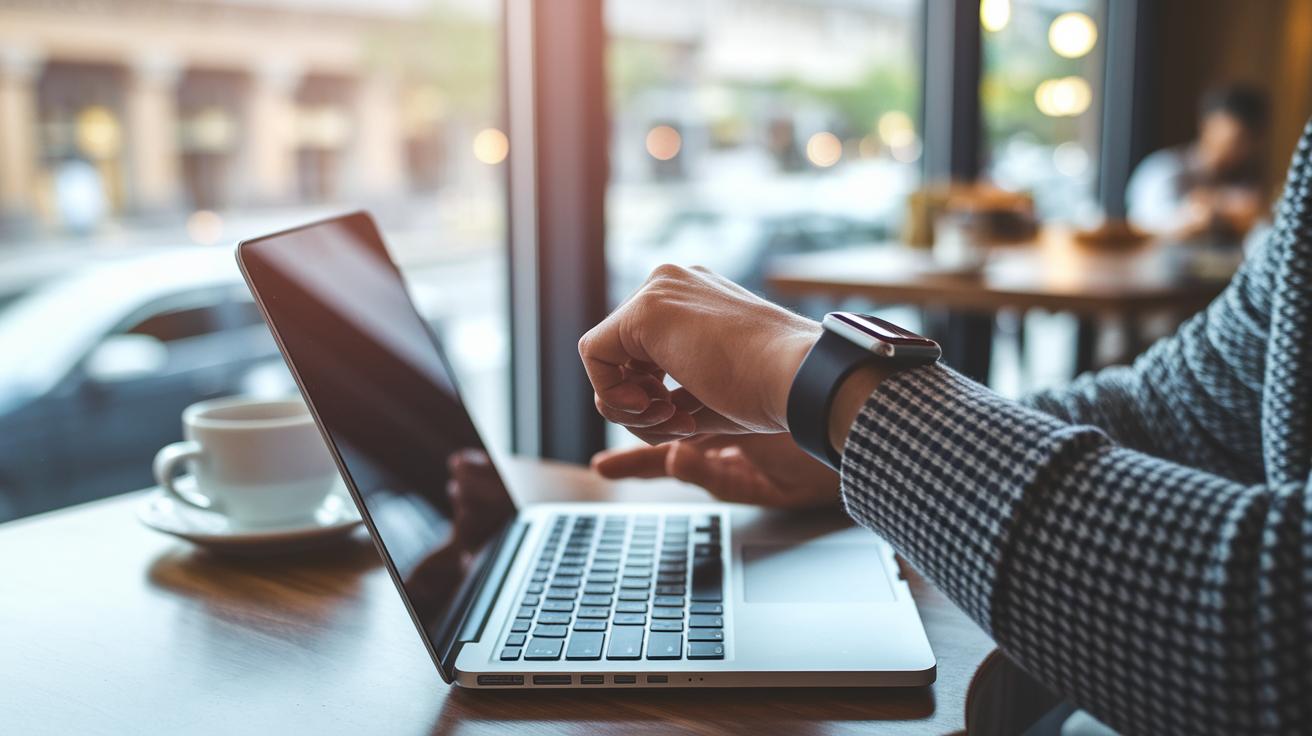
Keep your device's operating system, firmware, and apps set to update automatically. Think of it as having a friendly technician working behind the scenes, making sure everything is fresh and ready for your adventures. I remember hearing about a traveler who narrowly dodged a security breach, all thanks to those auto-updates catching the outdated app on other devices.
Before you set off, and even while you’re on the move, make sure to install any critical patches. These updates act like little fixes that stop bigger issues from cropping up later. And whenever you hop onto a new network, say, at a bustling café, take a minute to run an antivirus check. One traveler once described it like a quick tune-up that gave them peace of mind after using a café’s Wi-Fi.
Also, it’s a good idea to run vulnerability scans and glance over your system logs every week. This routine check is like a mini-inspection of your gear, catching small glitches before they escalate. With regular security audits and a trusty antivirus in place, you can confidently explore new places without fretting about your device's safety.
Secure Your Devices by Managing App Permissions and Digital Footprint
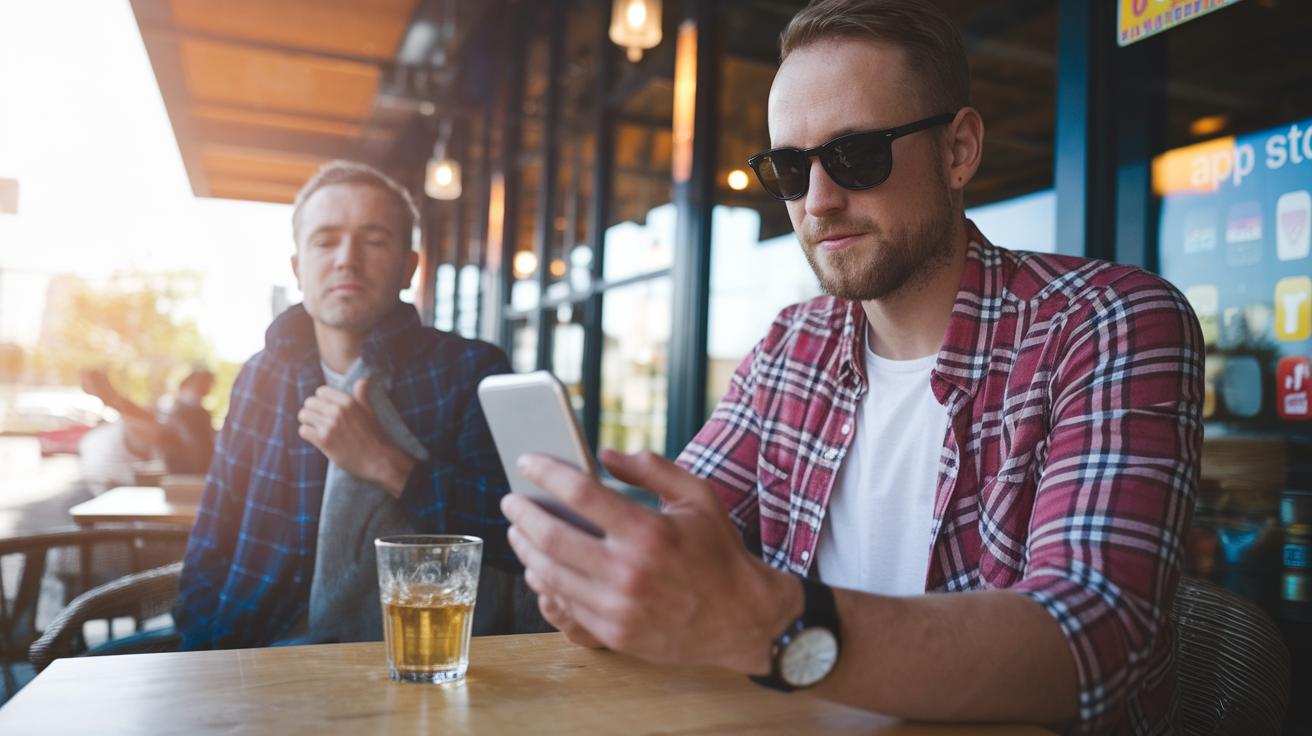
Start by downloading apps only from official app stores. It works like choosing well-known cafes when you travel. This practice lowers the chance of installing software that might secretly track your movements or collect extra data. Check your app permissions regularly, just as you would double-check that you haven’t accidentally handed over your keys to a stranger. If an app asks for access to your camera or location without a good reason, it is best to switch it off.
Before you share your vacation photos online, remove any geolocation information. Imagine someone pinpointing your current getaway spot from a simple photo. If an app tags your pictures automatically with your location, turning this setting off helps protect your privacy.
Try these simple steps:
- Turn off permissions you do not need, like location or contacts.
- Review and update your app settings on a regular basis.
- Keep your travel plans private by avoiding public posts about your current location.
Also, consider using messaging apps with end-to-end encryption to keep sensitive details safe. If you want more detailed advice, check out this online guide: online travel data protection.
Final Words
In the action, we covered pre-trip device care, from updating systems and setting strong passwords to using rugged cases and VPNs. We also went over steps for rapid recovery and proper app management. Each tip was designed to boost your device security on the move. Remember, knowing how to secure your devices while traveling empowers you to keep your info safe and enjoy your travels without worry. Enjoy your next trip with confidence and a clear mind!
FAQ
Q: How do you secure your iPhone while traveling?
A: Securing your iPhone means updating the operating system and apps, enabling Face ID or fingerprint locks, setting a strong passcode, and activating Find My iPhone to help locate your device if it goes missing.
Q: How can you protect a mobile device with cyber awareness while traveling?
A: Protecting your mobile device includes keeping software current, activating multi-factor authentication, installing antivirus software, and using secure networks along with remote wipe features to help manage data breaches if your device is lost.
Q: How does connecting with a government VPN help protect mobile devices while traveling?
A: Using a government VPN encrypts your internet connection, ensuring data remains secure on public networks. It verifies network authenticity and minimizes exposure to cyber threats during travel.
Q: What should you do with your phone when traveling?
A: Keep your phone secure by updating its software, using tracking apps like Find My Device, avoiding open Wi-Fi, and setting up a VPN and remote wipe option to protect your personal data.
Q: Why is it important to check in with security before international travel?
A: Checking in with security lets you review and adjust your device settings, ensuring antivirus programs, biometric locks, and VPNs are active to safeguard your information from theft or loss abroad.
Q: Do you really need a VPN for travel?
A: Using a VPN becomes essential as it encrypts online activity and shields your data when using public networks, reducing risks of unauthorized access and ensuring safer internet browsing.
Q: What settings should be adjusted on your phone for international travel?
A: Adjust settings by turning off auto-connect to unknown networks, disabling unnecessary Bluetooth or sharing features, enabling a VPN, and choosing strong lock screen options like biometric or PIN-based security.
bodybuilding cialis dosage
bodybuilding cialis dosage
priligy usa reddit
priligy usa reddit
semaglutide tabletten prijs
semaglutide tabletten prijs
semaglutid tabletten 50 mg
semaglutid tabletten 50 mg
metronidazole 500 mg tablet instructions
metronidazole 500 mg tablet instructions
bupropion dose smoking cessation
bupropion dose smoking cessation
ketoconazole antifungal overview
ketoconazole antifungal overview
terbinafine mechanism for onychomycosis
terbinafine mechanism for onychomycosis
terbinafine safety overview
terbinafine safety overview
toradol migraine essential info
toradol migraine essential info
ivermectin rosacea lesion reduction
ivermectin rosacea lesion reduction
minoxidil mechanism regrowth pathway
minoxidil mechanism regrowth pathway
sildenafil NO‑cGMP mechanism
sildenafil NO‑cGMP mechanism
vardenafil 10 mg overview
vardenafil 10 mg overview
avanafil contraindication essentials
avanafil contraindication essentials
vardenafil health contraindications
vardenafil health contraindications
difference between vardenafil and sildenafil
difference between vardenafil and sildenafil
amoxicillin drug interactions
amoxicillin drug interactions
otitis media bacterial infection
otitis media bacterial infection
penicillin allergy in children
penicillin allergy in children
Sildenafil vs vardenafil therapeutic comparison
Sildenafil vs vardenafil therapeutic comparison
ED medication information
ED medication information
learn about online tadalafil access
learn about online tadalafil access