


Have you ever thought about how secure your devices are when you're on the go? Just like you guard your passport, you need to look after your phone and laptop. When you're far from home, one online mistake might let strangers peek at your private data.
Picture your smartphone and laptop as little treasure chests that need solid locks. Make sure to update your apps, keep only what you really need, and set strong pins or passwords. These simple steps are like packing your carry-on with only the essentials, ensuring you're safe from cyber risks while exploring new places.
Cyber travel security tips: Safe trips ahead
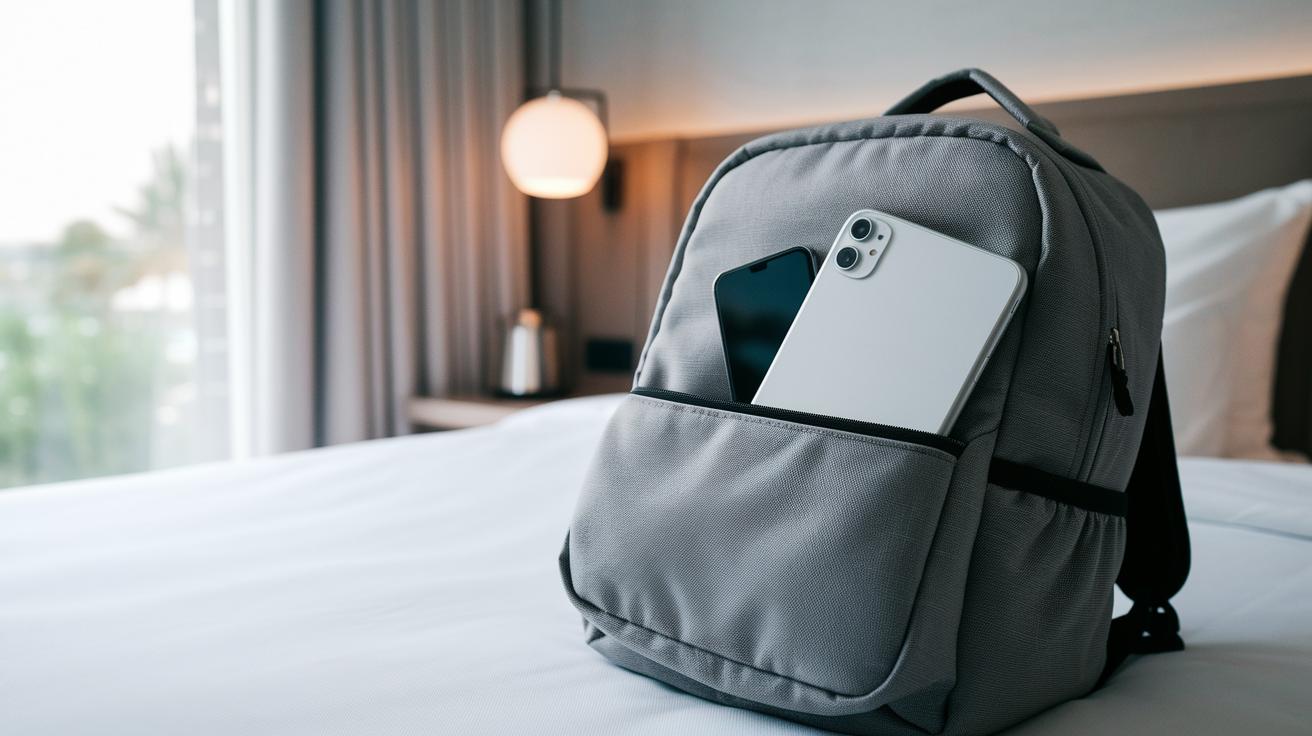
When you're traveling, less really can be more. Pack only the essentials so you don't carry extra devices that might get lost or tampered with. If your journey is purely for leisure, sometimes a smartphone will do the trick, no need for a bulky laptop.
Before you leave, take a few moments to update all your devices and apps. Automatic security patches are like little guardians that keep your software safe and sound. And hey, check out these Digital Travel Safety Tips for more details on why staying secure online while abroad is so important.
Make sure you lock down every device you carry. Use strong passcodes, PINs, or even biometric locks like Face ID or fingerprint scanning, it only takes a minute. Also, switch on your smartphone's and tablet's "Find My Device" feature so you can locate or erase your data if something goes missing. Don't forget to back up important files like photos, documents, and contacts to an encrypted cloud service or an external drive before you set off.
Here's a handy checklist of actions to keep you digitally safe:
| Action |
|---|
| Limit devices to only what you need |
| Update software and enable automatic security patches |
| Set up strong passcodes or biometric locks |
| Activate remote tracking and data-wipe features |
| Back up essential files securely |
| Avoid unsecured public Wi-Fi; use your phone’s hotspot or a VPN instead |
| Skip public USB charging stations to dodge “juice jacking” |
| Keep devices in sight or secure them in hotel safes or front-desk deposit boxes |
| After your trip, check your financial and medical-insurance accounts for any unusual activity |
By following these straightforward tips, you'll boost your digital hygiene and keep your data safe wherever your travels take you. Enjoy your adventure, and travel smart!
Pre-Trip Preparation for Cyber Travel Security

Before you head out, give your travel gadgets a little tune-up. Make sure your smartwatches, portable Wi-Fi routers, and travel power banks are running the latest firmware. For example, if your travel router shows an update option, simply tap it to stay secure.
Next, review the app permissions on all your devices. Open the app settings and disable any permissions you don't really need, like location, camera, or contacts. If an offline maps app asks for location access, switch it to "never" so your data stays private.
Also, think about boosting your security with a reliable VPN or portable firewall. Set up a VPN that automatically connects when you join a new Wi-Fi network. This way, you add an extra layer of protection on the go.
Finally, keep yourself updated with the latest in cyber travel security. Follow expert tech reports on features such as biometric encryption and hardware token integration. These updates are clues about what the future of travel security might hold.
Cyber Travel Security Tips for Public Wi-Fi Protection
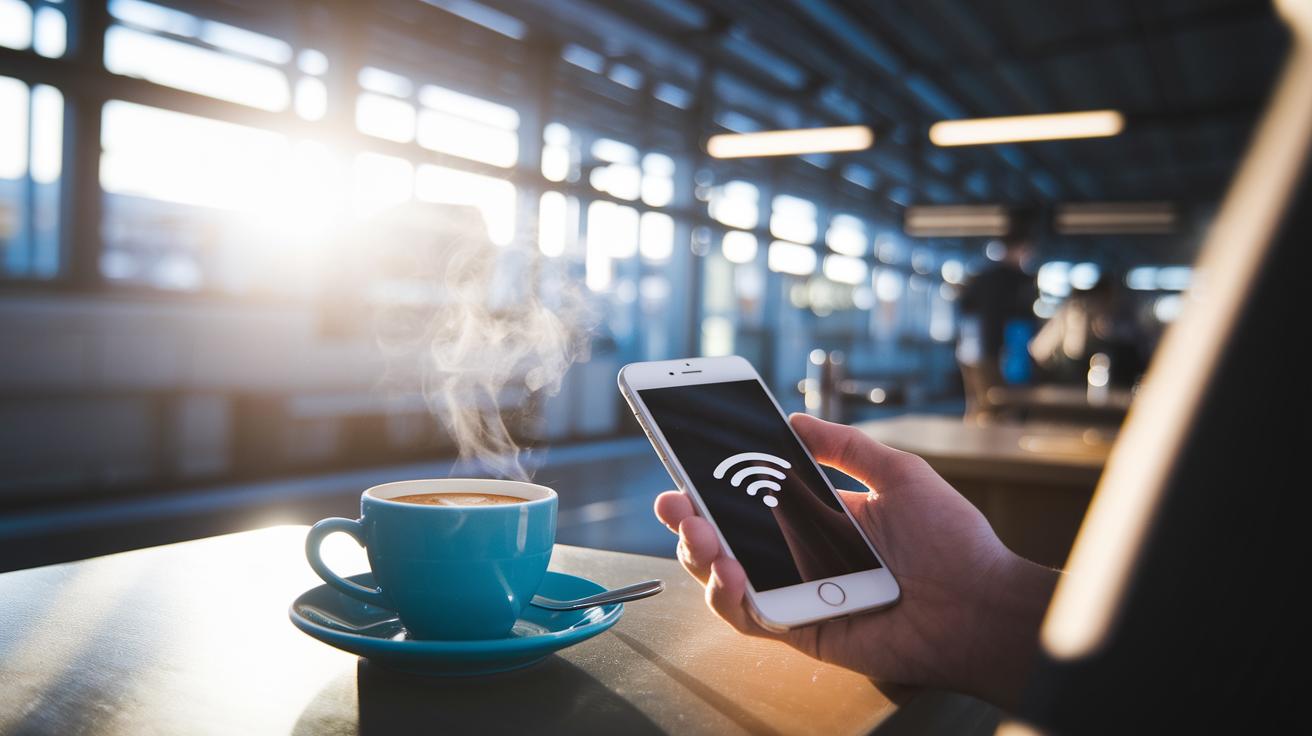
When you're on the go, grabbing free Wi-Fi at a local café, restaurant, or even a train station might seem like a good idea. But it can leave your data wide open to sneaky eyes. Instead, try using your mobile hotspot if you have one; it's like having your own private bubble wherever you are.
A trusty VPN service is a game changer. It scrambles your data so that even if someone’s snooping, they can’t make sense of what you’re doing online. Imagine having your favorite coffee in hand while your VPN quietly shields your information, a pair that feels just as comforting as it sounds.
Next, take a minute to check your device settings and turn off auto-connect. This small step stops your phone or laptop from diving into risky networks without your say-so. While you're connected, it's also wise to avoid logging into sensitive accounts like online banking until you can switch over to a secure connection or use your trusted hotspot.
Keep an eye out for any network names that seem too good to be true. Sometimes these names are just clever traps meant to steal your info. By sticking to these practices, you’re not just dodging data breaches, you’re making sure your personal and financial details stay safe, even while on the move.
Ensuring Mobile Device Safety with Cyber Travel Security Tips
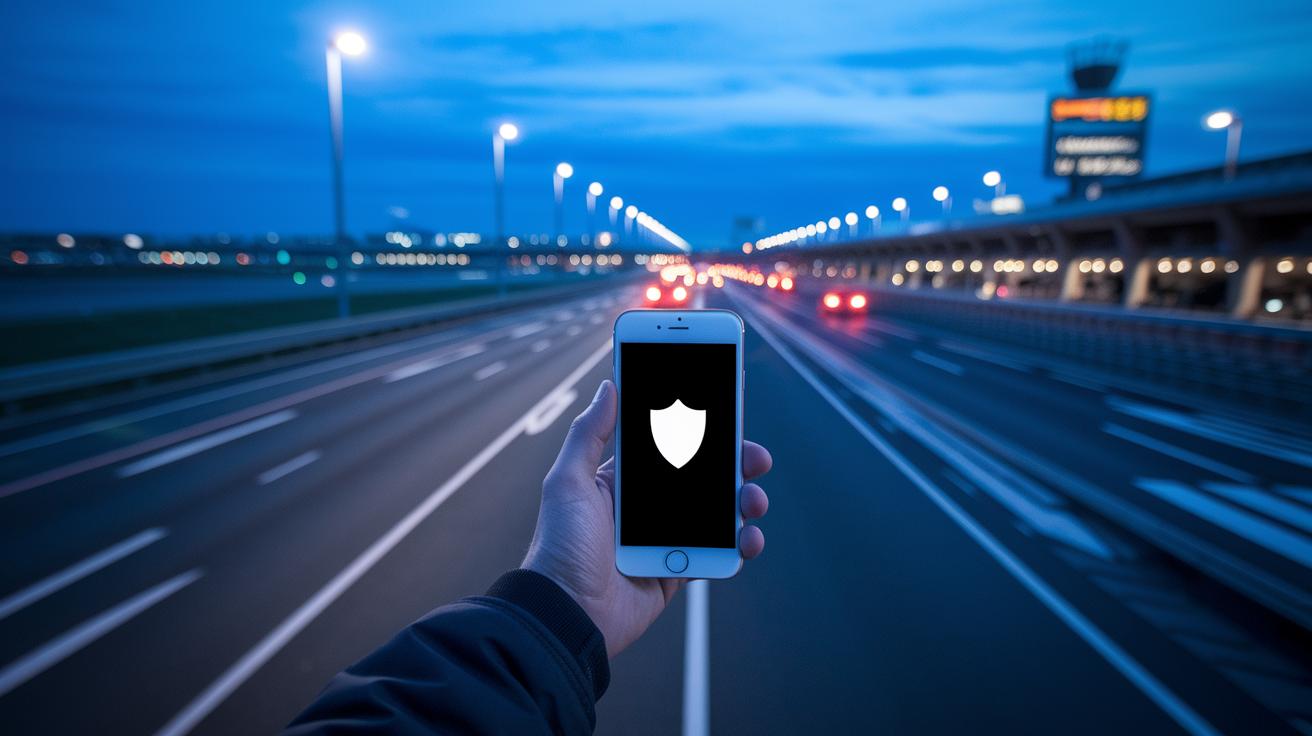
When you're on the move, it’s not just about locking your phone or using a VPN, mobile-specific risks need extra care. For example, did you know that mobile malware jumped by 50% in 2021? This surge means compromised apps are a real concern for travelers. So, make sure your phone stays updated with the newest security patches and activate remote wipe settings in case you ever lose your device.
Beyond basic fixes, using trusted anti-malware apps and secure mobile management tools can really boost your protection. Keep an eye out for unusual dangers like SIM cloning or sneaky Bluetooth hijacks, and take a moment to check which permissions your apps have access to. If you need a deeper dive into these tips, reviewing a detailed security checklist can be a smart move.
| Protection Tip | Additional Details |
|---|---|
| Update OS and Apps | Keep your operating system and installed apps current to patch vulnerabilities. |
| Remote Wipe Capability | Activate remote wipe settings to erase data if your device is lost. |
| Mobile Anti-Malware | Install trusted security apps that scan for malware and monitor app behavior. |
| App Permissions Check | Regularly review app permissions to prevent unauthorized data access. |
Post-Trip Cyber Travel Security Tips to Secure Your Accounts

Coming home from a trip doesn’t mean your travel tasks are done. It’s a good idea to check your bank, credit-card, and medical-insurance accounts right away. Look for any charges that seem off or don't match what you normally spend. Also, take a few minutes to review your credit reports and watch out for any unusual changes. This little extra effort can really help catch any online fraud before it gets worse.
Once you’re back, consider disabling any travel-specific apps or temporary passwords you set up during your journey. They helped you when you were away, but keeping them active might leave you vulnerable.
- Examine your financial and insurance accounts for unusual transactions.
- Monitor your credit reports and identity alerts for the next few weeks.
- Remove travel-specific apps and any temporary passwords.
- If you spot anything suspicious, report it immediately to your financial advisor or security center.
Stay on top of these checks to keep your accounts secure after every adventure.
Advanced Cyber Travel Security Tools: VPNs, Encryption, and Anti-Malware
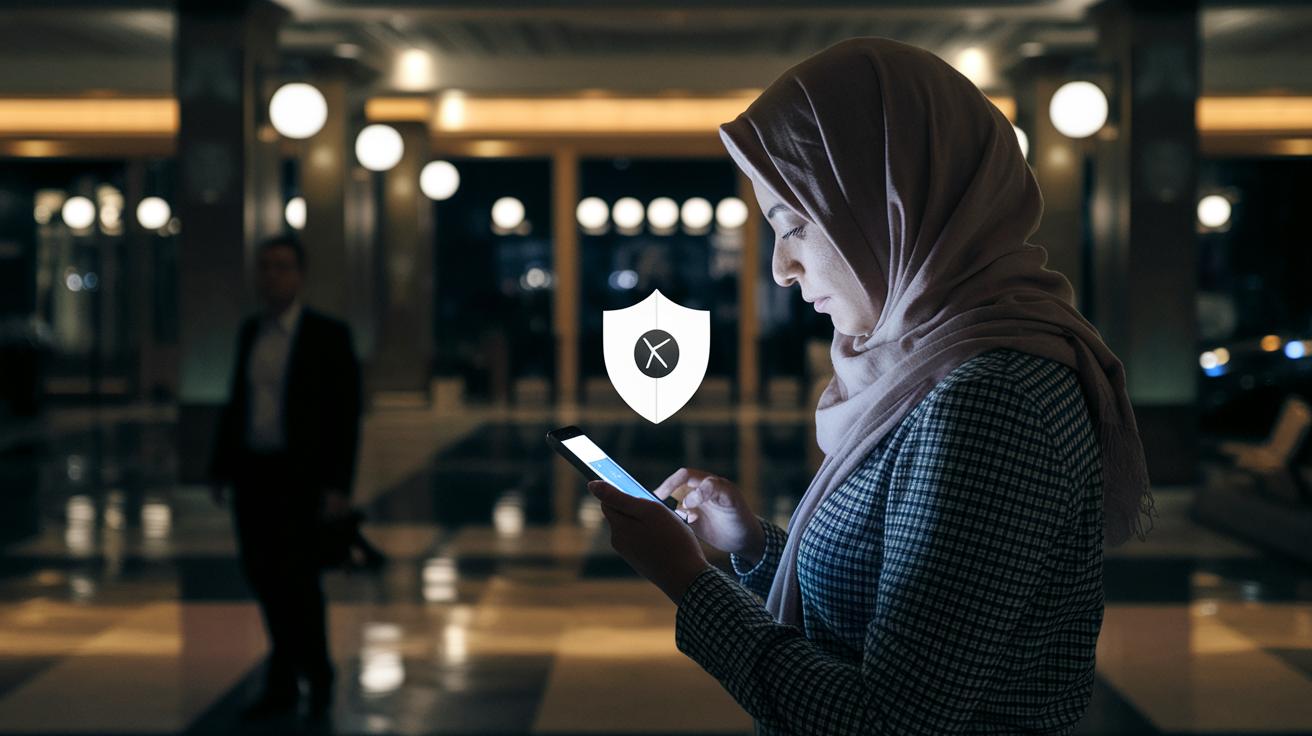
If you're already sticking to basic cyber safety tips on your travels, here are some extra tricks to help boost your digital protection even more.
• Consider a VPN that uses AES-256 encryption and has a strict no-logs policy. Imagine it like locking your travel journal in a safe, your data gets scrambled so no one can read it if they tap into your connection.
• Set your mobile anti-malware app to scan on a regular schedule. Picture your phone doing a nightly checkup and giving you a thumbs-up that all is clear before you drift off to sleep.
• Use messaging apps that offer end-to-end encryption when you need to send sensitive details. It’s like whispering a secret in someone’s ear; only the person you choose will understand your message.
• Don’t forget to turn on firewalls on both your laptop and smartphone when you're connecting to unfamiliar networks. It’s a simple extra step to block any unwanted digital visitors.
| Tool | Advanced Feature |
|---|---|
| VPN | AES-256 encryption, no-logs policy |
| Mobile Anti-Malware | Scheduled scans for hidden threats |
| Encrypted Messaging | End-to-end encryption for private chats |
| Firewalls | Extra shield against unauthorized access |
Final Words
In the action, this article laid out clear steps for keeping your devices safe abroad. It covered updating systems, setting strong locks, and using VPNs to secure your data. Short pre-trip checks, smart practices on public Wi-Fi, and effective post-trip reviews all add up to a secure mobile strategy.
Each tip builds on the next, helping you stay on top of threats with straightforward tactics. Embrace these cyber travel security tips to travel smart and enjoy that newfound peace of mind.
hello world
hello world
cyclosporine and psoriasis
cyclosporine and psoriasis
semaglutid köpa online sverige
semaglutid köpa online sverige
semaglutid oral deutschland
semaglutid oral deutschland
propecia singapore
propecia singapore
ozempic heavy breathing
ozempic heavy breathing
acyclovir maximum dosage per day
acyclovir maximum dosage per day
terbinafine for persistent nail fungus
terbinafine for persistent nail fungus
ivermectin expert summary
ivermectin expert summary
vardenafil minimal dose
vardenafil minimal dose
avanafil price breakdown
avanafil price breakdown
molecular mechanism of PDE5 inhibition
molecular mechanism of PDE5 inhibition
avanafil medically reported reactions
avanafil medically reported reactions
vardenafil duration profile
vardenafil duration profile
vardenafil warning considerations
vardenafil warning considerations
Onset and Duration Variability
Onset and Duration Variability